System & Advanced Settings
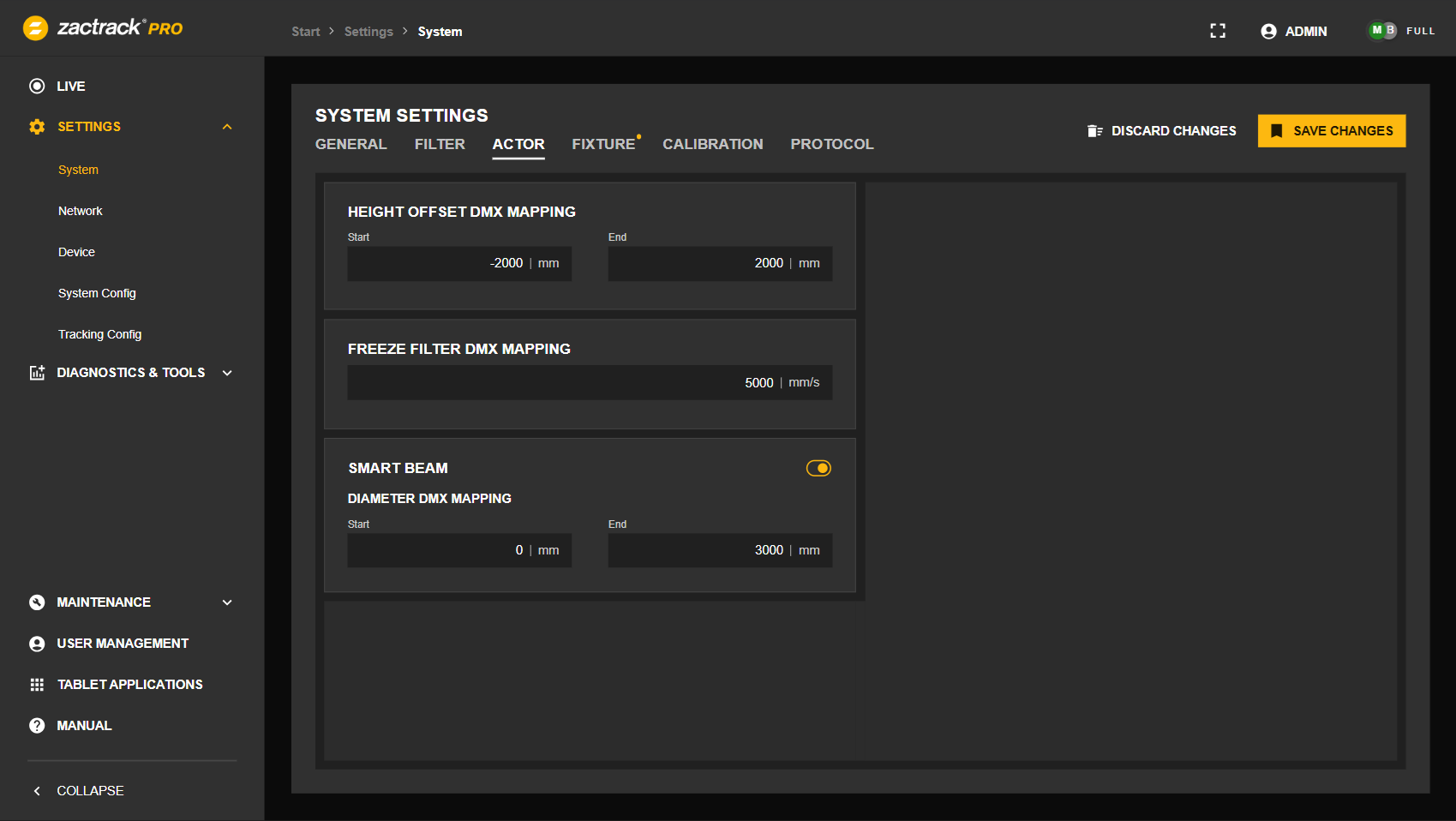
System settings and advanced settings can be adjusted in the Web Monitor to configure and optimize the system behavior. They cover essential options for daily operation as well as advanced controls for fine-tuning performance and flexibility.
 |
Note
These settings can also be modified in the zactrack App. Detailed descriptions of individual settings are available in System Settings.
Settings are structured into multiple groups. A settings group may contain multiple tabs. Changes made to the configuration are indicated by a yellow dot on the respective tab. Selecting the button permanently stores the changes, selecting resets them to the current state.
System
Adjust system settings, e.g. for tracking filters, Actors and Fixtures.
Network
Define the server role and name, and configure the network interfaces.
Device
Manage Anchors, Trackers and Pucks.
System Config
Adjust advanced settings via configuration lines.
Tracking Config
Adjust advanced tracking settings via configuration lines.