Step-by-step Tutorial
This tutorial aims to provide complete, step-by.-step instructions from preparations to live operation of a zactrack system. Additionally, it provides guidance for questions that may arise during the process.
For demonstration purposes, the following setup is defined:
zactrack MINI system
grandMA3 console (showfiles for Hog5 and MagicQ are also available below)
2x Astra Wash 7 Pix
Network Switch
DMX Node
Tip
Files for this Tutorial can be downloaded HERE.
zactrack Showfile
Console showfiles for grandMA3, Hog5 and MagicQ
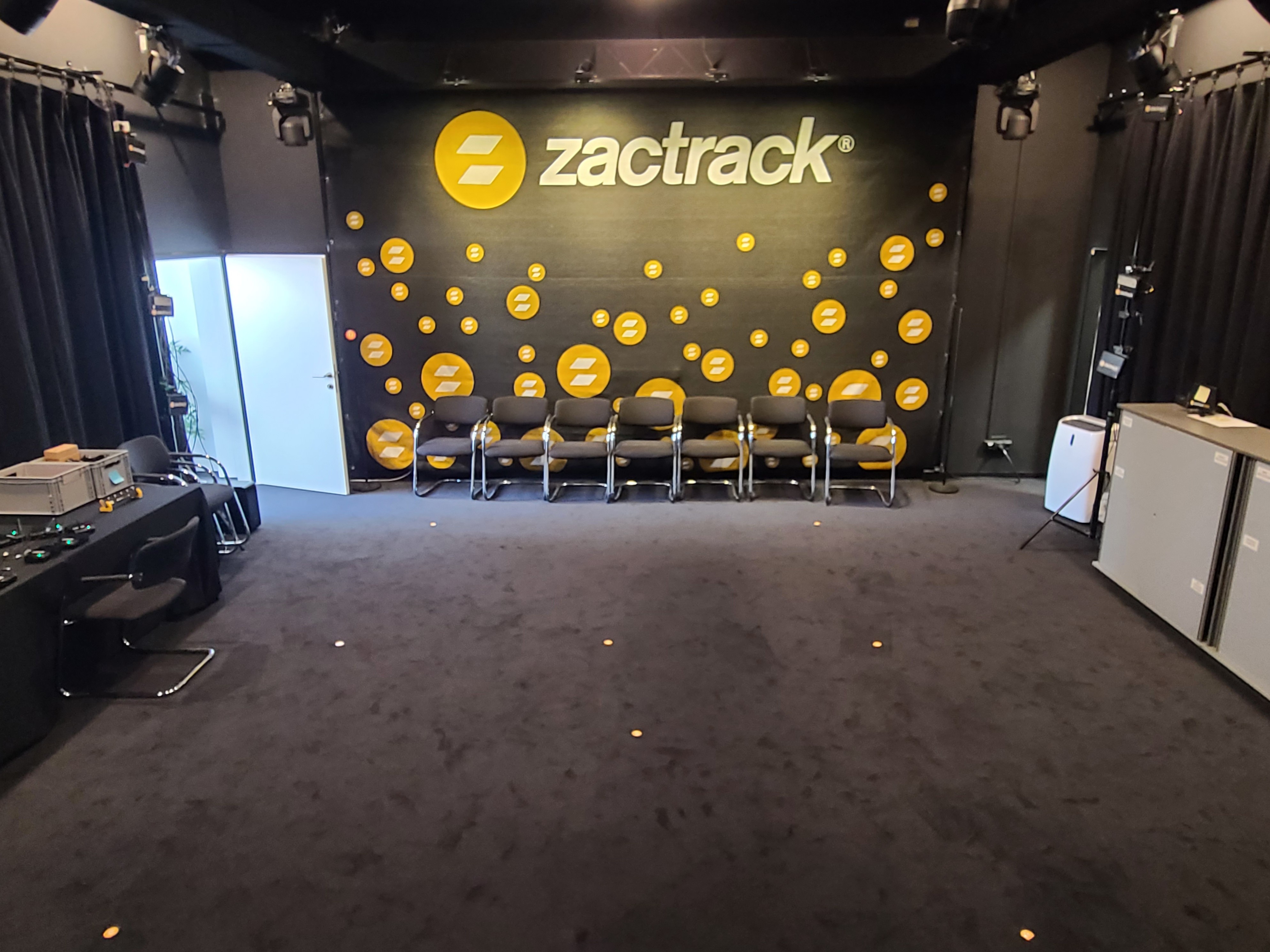
The space is a room with a tracking area of approx 5x5 meters (16x16 feet) with fixtures mounted at approx 3 meters (10 feet) height.
 |
To fully cover the process from preparations to show operation, the guide is divided into 5 main chapters:
Define the system components and networking topography.
Mount the Anchors and connect all components.
Calibrate the system to receive tracking positions.
Patch Fixtures and connect to a lighting console.
Assign Fixtures to Trackers and control the system's behavior in realtime.
Next: Preparations